

Four rooms, and the reasoning behind each one.
These are standard rooms on a workplace floor. Choosing the equipment is quick. Deciding what the room needs is the work. What people see is the display, the camera and the microphones. Behind them, a matrix switcher, a scaler, an audio processor (DSP) and an AV control processor do the work.
Room type 01
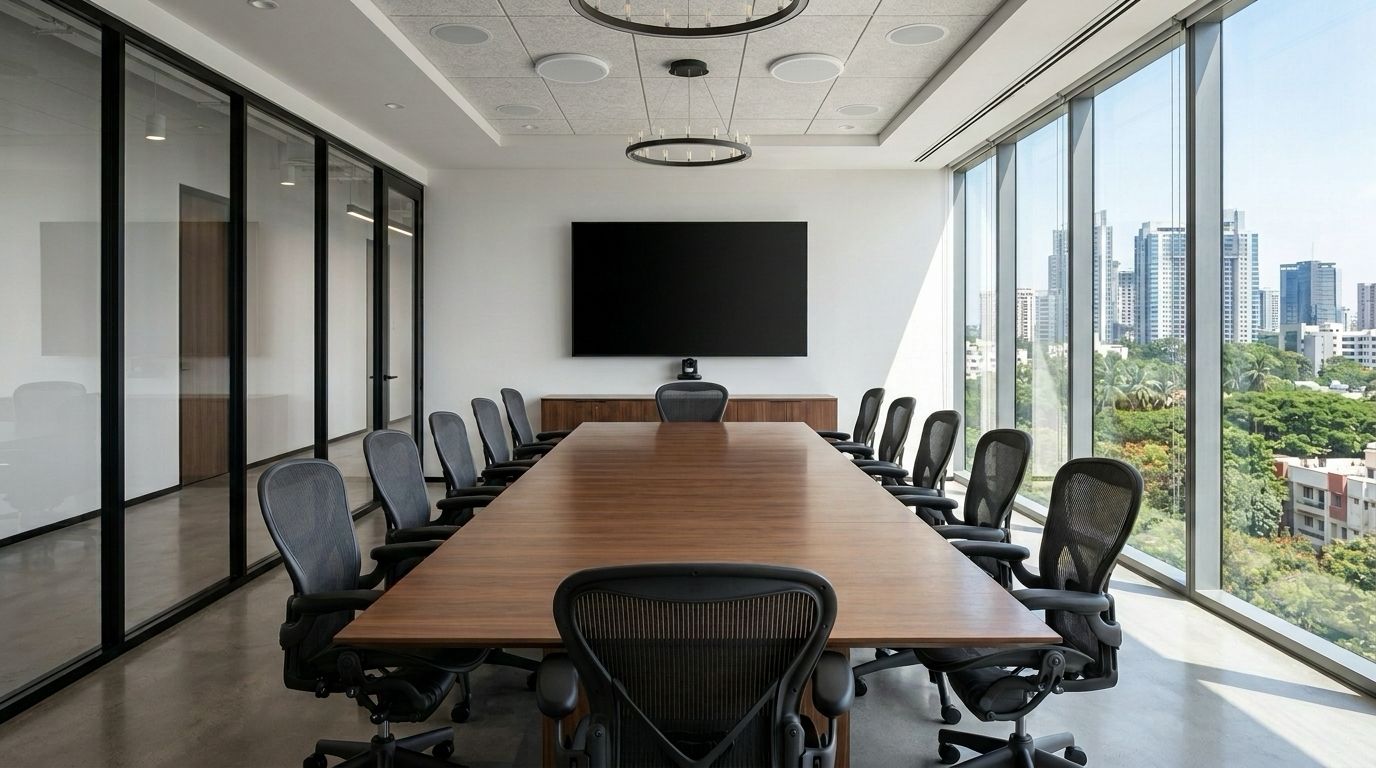
Boardroom, 12 seats
Four people join remotely and need to feel as present as the eight in the room. Nobody has patience for five minutes of getting the call started.
-
Microphones in the ceiling, not on the table.
Tables move and mic cables get pulled. A ceiling array covers every seat.
What it costs More money, fitted before the ceiling closes. Decide at the drawing stage.
-
One large display carries the call.
Two displays split faces from content. One 98 inch panel shows both.
What it costs One point of failure and a heavy wall. A backup cable that skips the switcher covers it.
-
The camera sits under the display.
The lens is near where people look, so eye contact reads right.
What it costs The cabinet under the screen, and an extra cable route. Worth it. Draw it early.
Room type 02
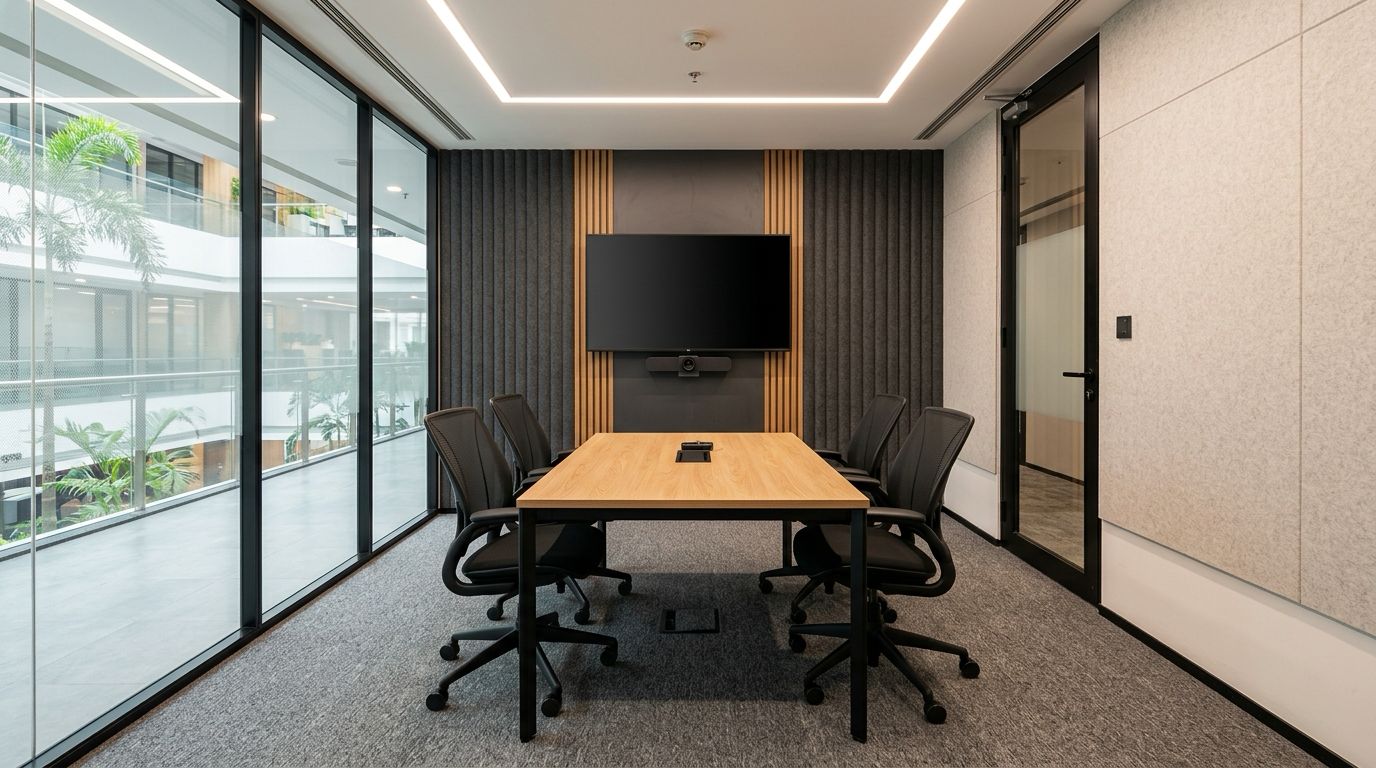
Huddle room, 4 seats
Four people, no host, no notice. In a call in under a minute, and every choice here is judged on that minute.
-
No rack. A wall box behind the display.
A rack takes floor this room can't spare. Two devices sit behind the panel.
What it costs Servicing means a ten minute display removal. It buys back a corner of floor.
-
One bar for camera, microphones and speakers.
Separate parts mean more to go wrong, and no gain at four seats.
What it costs No microphone-only upgrade. The whole bar is replaced on a refresh anyway.
-
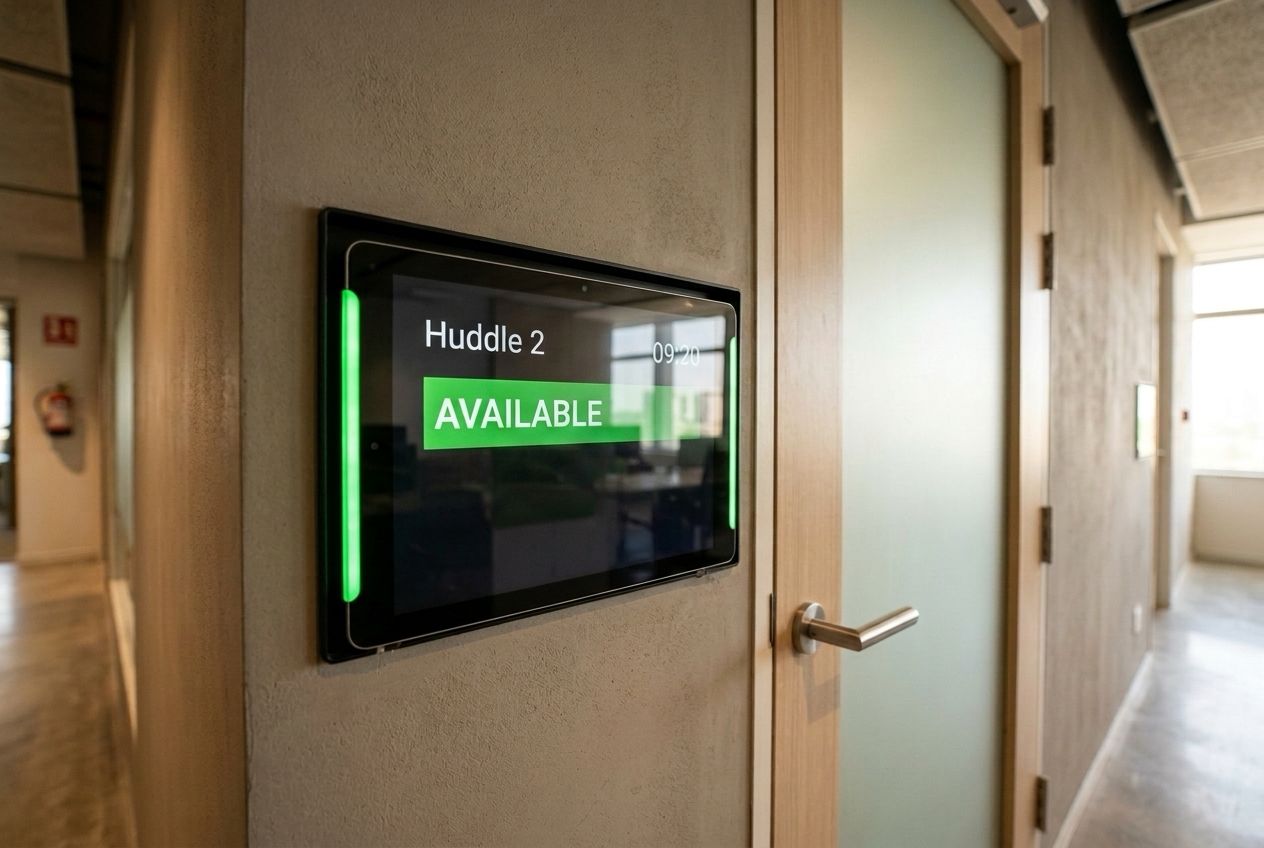
A scheduler outside every door.
People mostly complain about finding a room occupied. The scheduler shows it from the corridor.
What it costs One more device per door. The cheapest item here, and the first people notice.
Room type 03
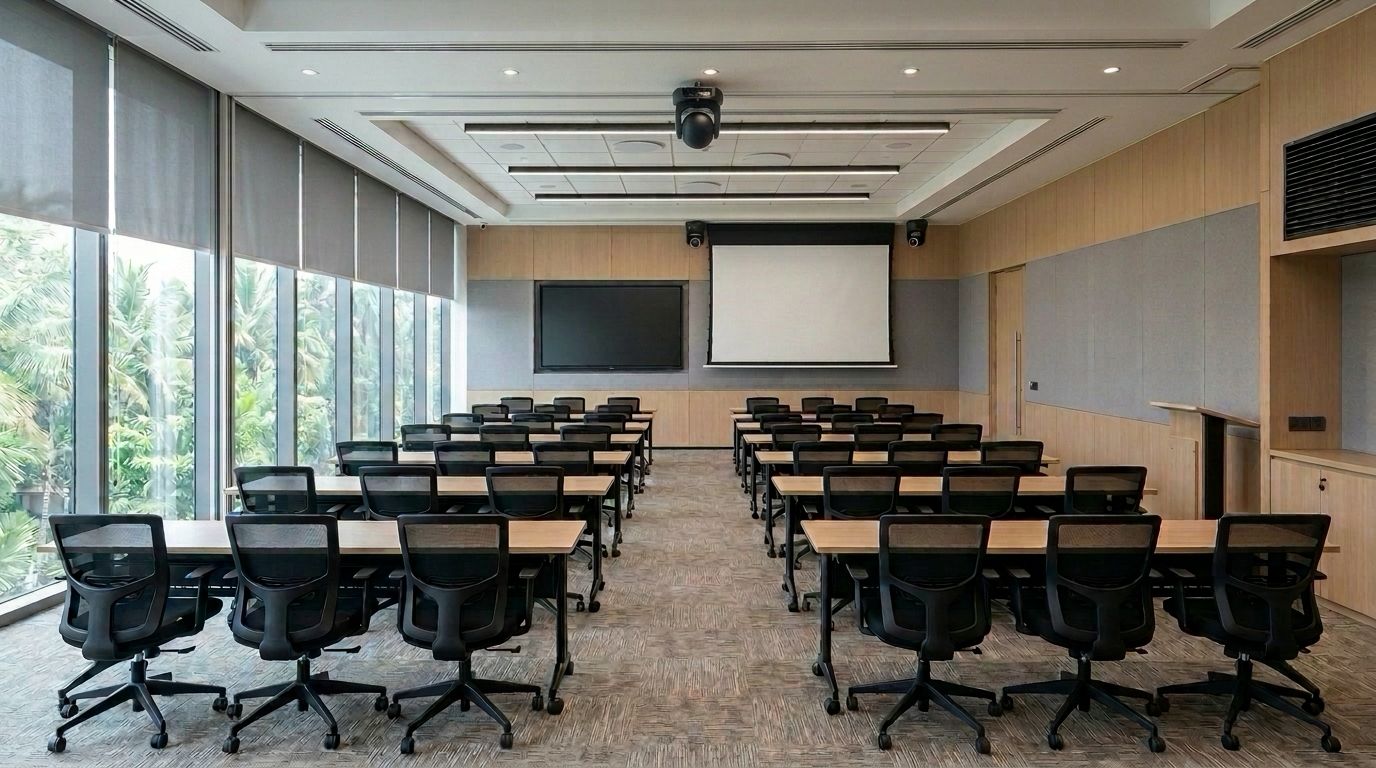
Training room, 40 seats
One presenter, forty seats. Most training rooms fail the back row.
-
A projector as well as a display.
An 86 inch panel serves the front. The projector sizes the image for the back.
What it costs Two devices to keep in step. The alternative is a back row that stops listening.
-
Three cameras that follow whoever speaks.
One faces the stage and two face the audience, all on ceiling mounts. People joining online see the trainer and anyone who asks a question.
What it costs They can follow the wrong movement. We set the zones and keep a manual override.
-
Lighting and blinds on the same panel as the AV.
Pressing Present should dim the front row and drop the blinds.
What it costs AV and the building's control system must agree early how they talk. Most often left too late.
Room type 04
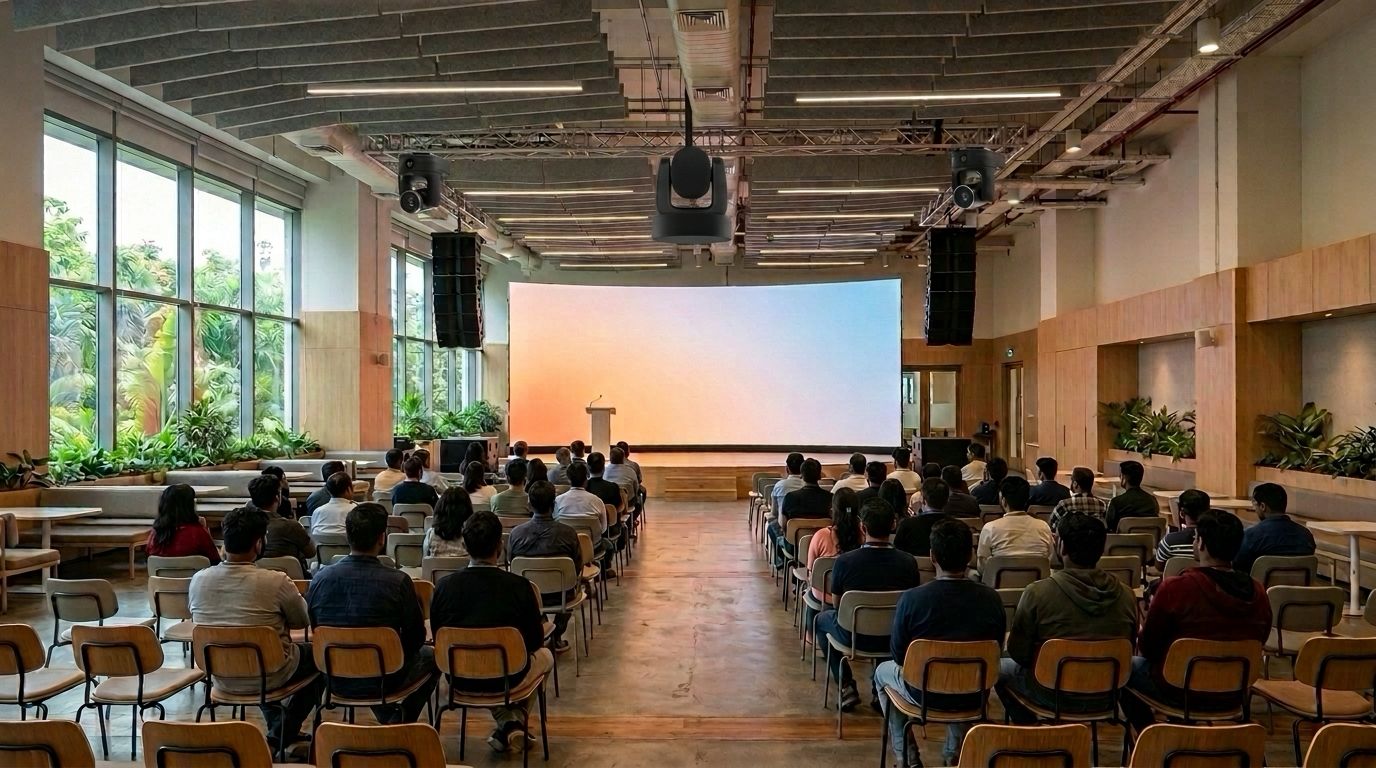
Town hall, 200 seats
Two hundred in the room, everyone else on the stream. It happens a few days a quarter, and it cannot go wrong.
-
A line array for a long room.
Ordinary speakers get the front loud first. A line array reaches the last row evenly.
What it costs One of the costliest items. The ceiling points that hold it must go in when the building is built.
-
A second path to the screen.
If the LED wall's processor drops, a projector on its own route keeps a picture.
What it costs It earns its cost a few days a year. Those are the days that matter.
-
A dedicated device sends the stream.
A laptop stream is one notification from a company-wide incident.
What it costs One more device to license and update. It sends what outsiders see.
Your rooms will not be these rooms.
Your ceilings, structure and meetings move the answer. You still see the drawing and reasoning before anything is ordered.